
Sprint Retrospective Templates
Browse our library of sprint retrospective templates to find the perfect format for your next scrum retrospective, project post-mortem, or team check-in.
Showing 158 of 158 retrospective templates, used 1,372,377 times by teams worldwide 🚀
- 906,160 uses
Went Well - To Improve - Action Items
This technique is the most basic template you can use for your retrospective. It's very simple to use and understand. First, the team needs to brainstorm what went well in the previous sprint. After t... - 112,185 uses

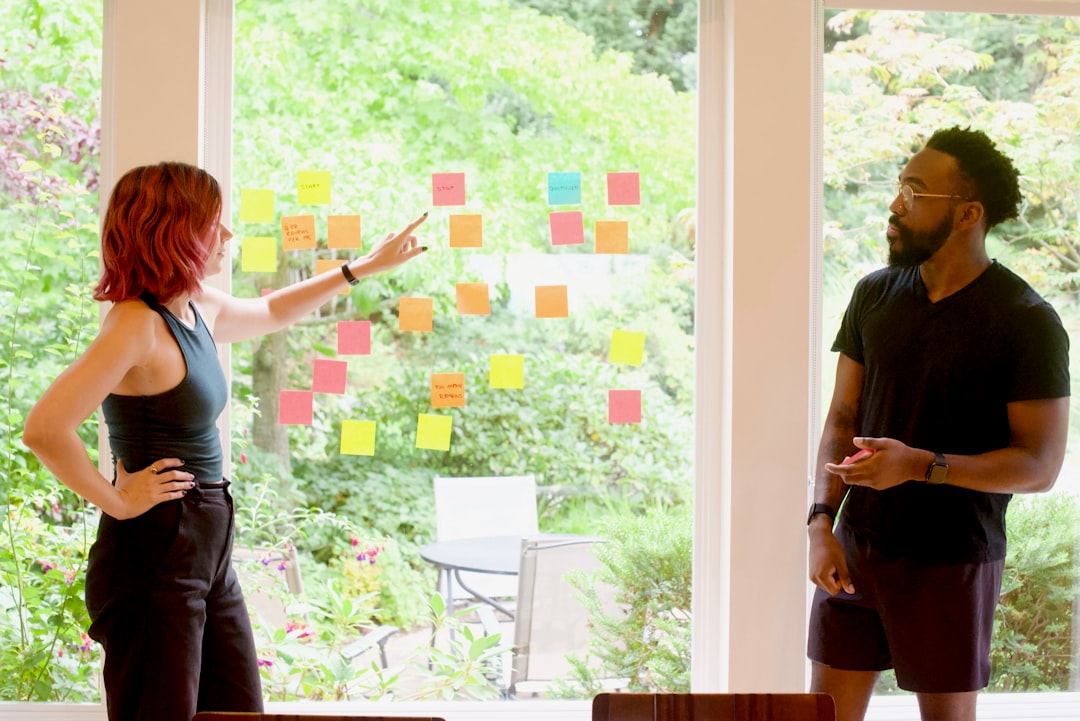
Start - Stop - Continue
Start Stop Continue is a great format to focus on the things that are working (continue), things that are not working (stop) and things that the team should start doing (start). It focus on the past, ... - 49,143 uses
4Ls Retrospective
The 4Ls Retrospective model is an attempt to capture the natural thoughts that team members might have that can lead to continuous improvement. We naturally tend to think and share in terms of things ... - 39,839 uses
Thumbs up, Thumbs down, new ideas and recognition
The main idea is to pass the common retrospective dynamics like thumbs up and down. Including new ideas (team brainstorming) and recognition to continue grateful of people around. - 32,022 uses
Mad Sad Glad
Mad Sad Glad is an example of an organization tool that is employed by a team in order to encourage discussion of pertinent issues. It is a great way to list down all the strengths that a team exhibit... - 31,218 uses

Sailboat Retrospective
Image with a sailboat dragging an anchor heading towards rocks. This retrospective technique uses a sailboat as a metaphor for the team. The team identifies anchors (that are holding us back) and wind... - 23,197 uses

Lean Coffee
Having been started in Seattle in 2009, Lean Coffee is a new format of holding meetings. It is extremely easy to learn and to adopt. As with all other business operations, when the word “Lean” is asso... - 18,097 uses
Original 4
Norman Kerth created this technique and retrospectives as well. - 12,832 uses

Starfish Retrospective
Better known as the Starfish retrospective, this technique was developed by Patrick Kua with the intention of helping teams carrying out a job better understand what they did wrong and how they can ma... - 10,959 uses

Three Little Pigs
Based on the story of the three little pigs and their quest for at strong house to live in. - 9,196 uses
Kudos Retrospective
This technique consists of the basic retrospective template (What went well, Things to improve and action items), but it adds an extra column for the team to create Kudo Cards to give recognition of a... - 7,745 uses
Happy - Meh - Sad
Very similar to Mad - Sad - Glad, but a little more focused on the sentiment graduation - 7,733 uses
Speed Car Retrospective
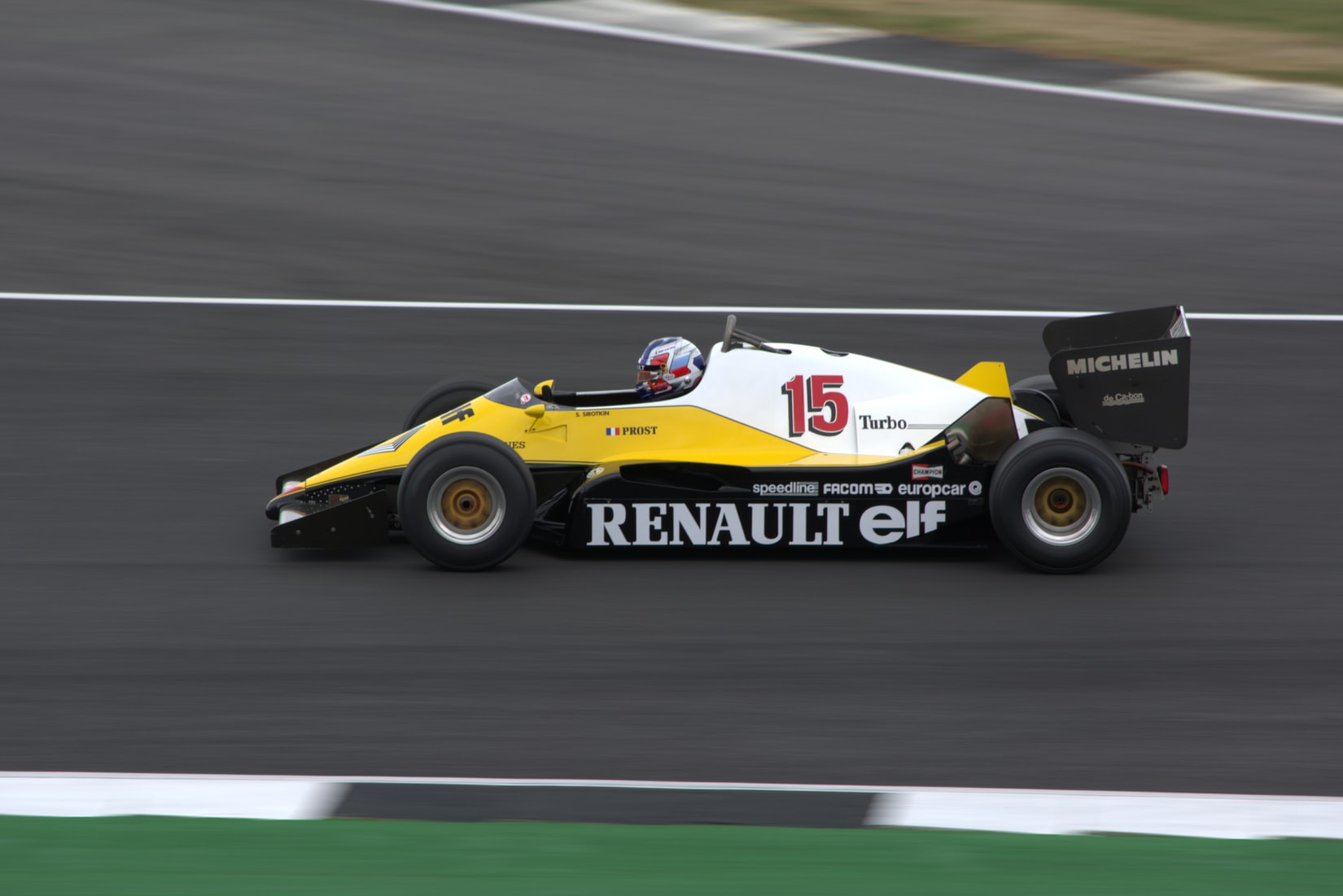
Simple retrospective using a Speed Car metaphor. Engine - Things that are moving is faster. Prachute - Things we believe are slowing us down and we can change. - 7,017 uses

Harry Potter
In this retrospective, your team will use Harry Potter spells and artifacts to brainstorm and improve. Felix Felicis! The good things that happened on the sprint. Baruffio's Brain Elixir! The things ... - 6,047 uses
Marie Kondo Method
This retrospective template was inspired by the KonMari method, created by Marie Kondo and described in her book "The Life-Changing Magic of Tidying Up". - 5,892 uses
KALM Retrospective
Things that your team need to keep, things you need to add, things that you need more of and things you need less of. - 5,753 uses
Game of Thrones
This retrospective format is inspired by the series Game of Thrones. Your team should reflect on what are you great at, what are the current issues on the team, what could make you better as a team an... - 5,574 uses
Love - Want - Hate - Learn
Share what you love, want, hate and learn from the iteration phase - 5,522 uses
Sprint Diagnostics
A technique to analyse team's behavioural and technical changes, challenges, achievements over the sprint. - 5,348 uses
3 L's
Accounts for what the team thought went well, what they learned and benefited from and what we can improve upon - 5,128 uses
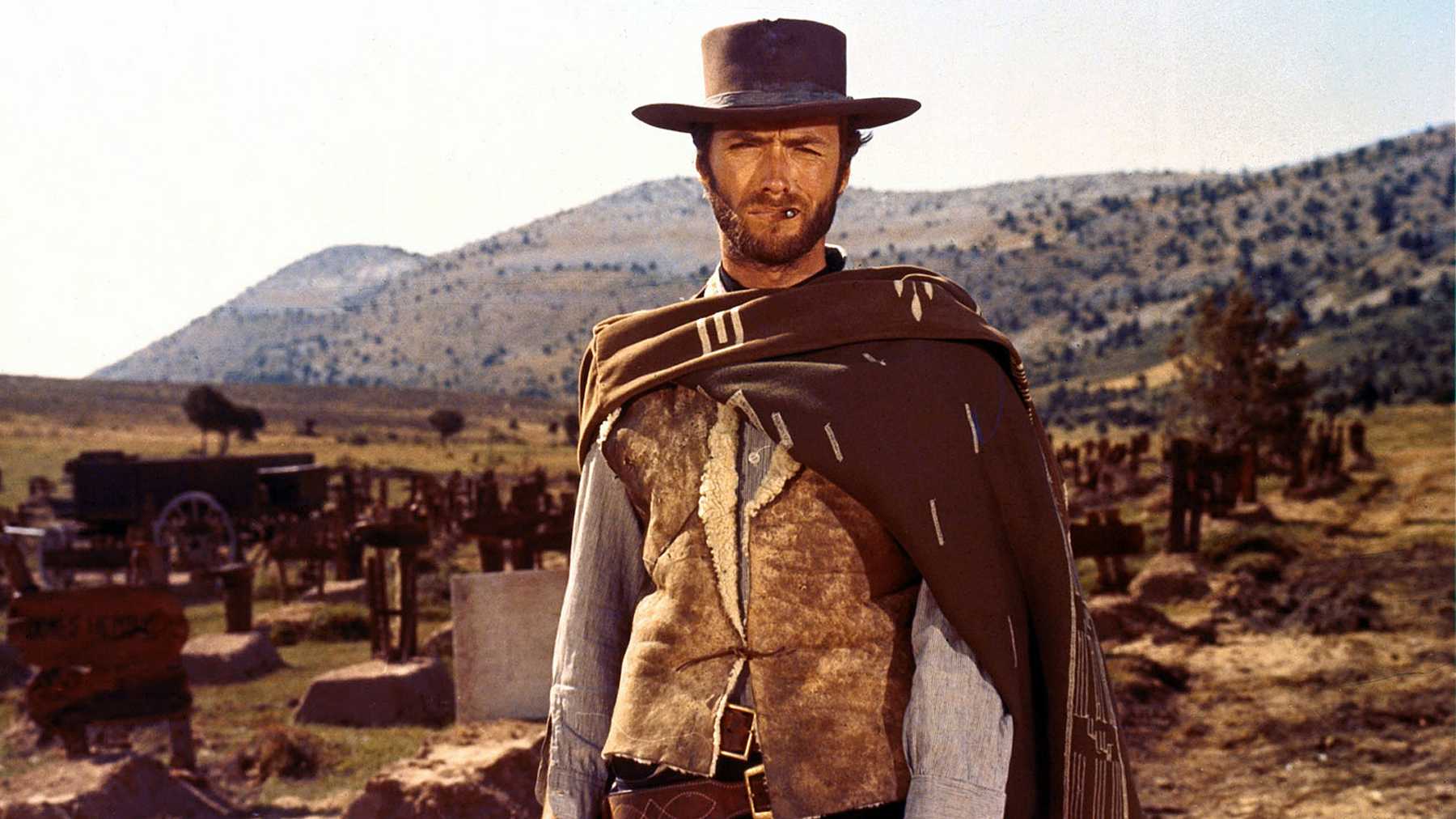
The Good - The Bad - The Ugly
Used for project retrospective for team members to share feedback - the good is what went well or worked well, the bad is what didn't go as planned or problems that surfaced, the ugly are things tha... - 4,269 uses
Pros and Cons
At one point or the other, we are all faced with difficult decisions that require taking immediate action. Sometimes, we are even convinced that we know the best solution to a problem, so we make quic... - 4,261 uses
DAKI
DAKI retrospective is a technique that allows a team to assess the areas that it needs to work on while also adopting new methodologies in the way they function. DAKI is an abbreviation for: Drop, Add... - 3,859 uses
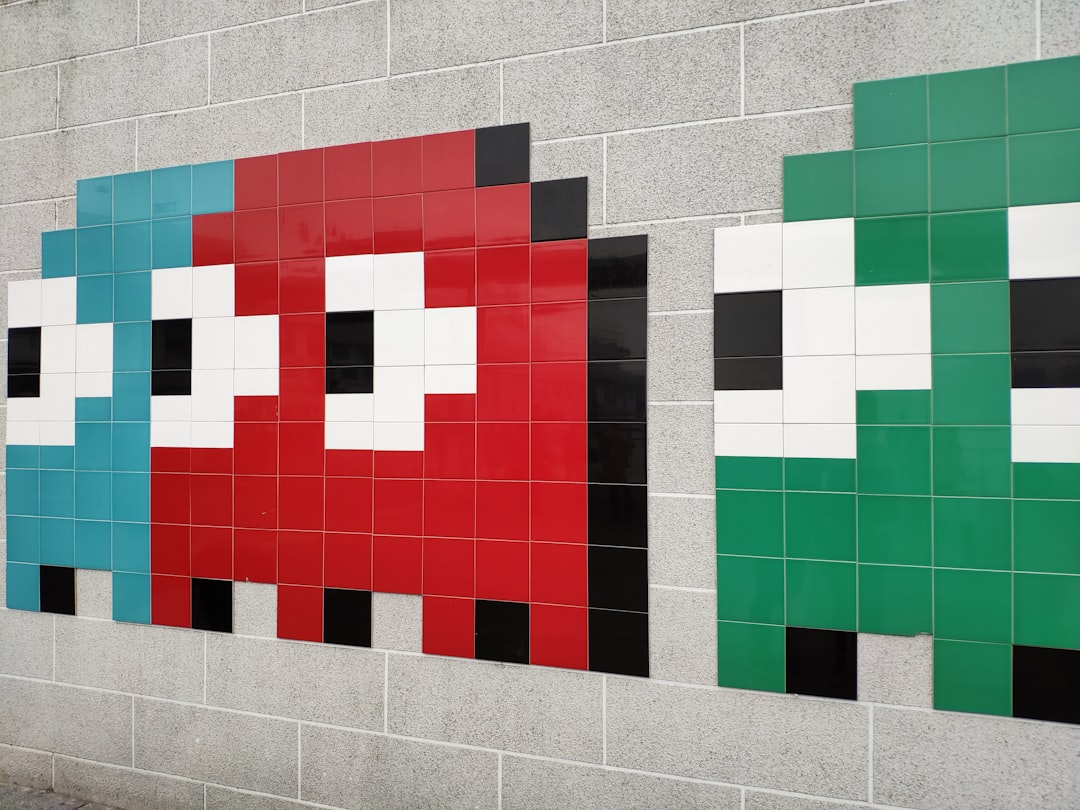
The Pacman
Based on this information, what could be some actions to improve? - 3,028 uses
Post Mortem Retro
Retrospective on the XXX project, post mortem exercise to discuss all the good things about the project and how to improve for the next one. Please invite the team and all the stakeholders involved. - 2,842 uses

Hot Air Balloon Retrospective
Imagine your project is a hot-air balloon and there are a couple of forces in place. The sandbags and storms are the things holding the project back and the hot air and fire are pushing the project fo... - 2,410 uses
One word retrospective - Battery Check
One word retrospective to determine any issues a team might have had and gage the team members mood going into next sprint - 2,408 uses

Rose Bud Thorn
Rose Bud Thorn is a technique used in Design Thinking to understand what's working, what is not and areas of opportunity. "Rose" is for things that are working well and positive things. "Bud" is for t... - 2,212 uses

Facebook Reactions
The template is based on emoji comment reactions from Facebook. The team uses the six categories based on the emoji faces- what they liked, what they loved, what made them laugh, what surprised them, ... - 2,126 uses

The Elvis Retrospective
The Elvis retrospective is most suited to development teams (in the broadest sense of the word) as not all elements might apply equally to run teams or groups that simply have to coordinate their sepa... - 2,111 uses

Six Thinking Hats
The Six Thinking Hats is an efficient technique that uses different points of view to look at decisions. It helps us see a different outlook from the usual styles of thinking to a more rounded view of... - 2,069 uses
More Better Different Less
Go through each column in turn More, Better, Different, Less and then vote on them. - 1,852 uses
Genie in a Bottle
This technique is inspired by the story of Genie in a bottle. What is the one wish you would like to ask for your team? - 1,584 uses
Futurespective
Don't look back in anger. Look forward in hope - 1,490 uses
Good Bad Better Best
Section is called "Good, bad, better, best" https://backlog.com/blog/three-ways-run-productive-retrospective/ - 1,489 uses
FLAP Retrospective
As good practice, remember to set the stage and ensure that people are reminded that is not a process of blame, but for identifying potential areas for change. If you have run this retrospective metho... - 1,480 uses
Likes / Wishes / Wonders
Things you liked, things you wished went different, thing you still wonder about the team / process - 1,424 uses
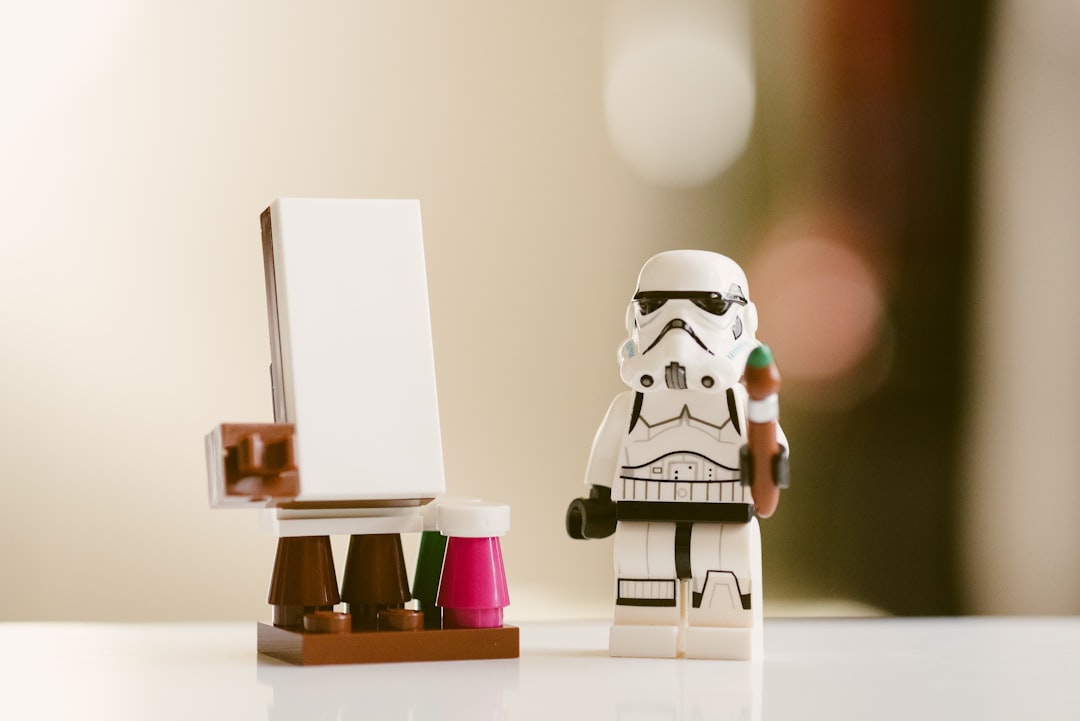
Retro StarWars
This template is based in Star Wars. The idea is to change the classical Good, Bad, Actions with The Light, The dark side, Padawns (optional) & the actions to reach the force - 1,321 uses
WWW
The WWW is a great data gathering activity for retrospectives. The 3 Ws stand for: Worked well, kinda Worked, didn’t Work. - 1,089 uses
Well Better Try Puzzle
What went well? (What were you pleased with or produced good outcome?) What could have gone better? (What went wrong or what areas do you see for improvement?) What do we want to try? (What innovative... - 1,065 uses
Nailed It!
End of project retrospective to know what people learnt / enjoyed most on this project - 978 uses
WRAP Retrospective
Inspired by Actions for Retrospectives from Innovationgames, this technique is good for keeping the team engaged and make the retrospective more fun. - 907 uses
Mario Kart Retrospective
A fun alternative to the sailboat retrospective utilising a Mario Kart theme, wahoo!! Ideal for teams of four to six. - 846 uses
First Feel
This technique gets the initial honest thoughts about the iteration from the scrum team - 794 uses

End of the year retro
End of year Team Retro focused with holiday themes - 787 uses
Liked - Lacked - Change
Liked-Lacked-Change Retrospective is a retro exercise to help team members not only express what's been good or bad recently, but what they need to change individually and collectively in order to imp... - 662 uses
Team topics
This template focuses on gathering feedback on 4 team topics: - Speed / Velocity - Definition of Ready & Definition of Done - Workflow - Communication - 633 uses
Learning Matrix
After discussing the data from Gather Data The team members can add their input to any quadrant. One thought per sticky note. Cluster the notes. Hand out 6-10 dots for people to vote on the most i... - 601 uses
Festive Christmas End Of Year Retro
Team to add cards in each column before the meeting, at the start of the meeting team will vote on the cards. Cards then discussed in order of the most votes first. - 581 uses
Your sprint as a movie
Think of the sprint as a movie and tell us title and genre of it For instance "Back to the future" - sci-fi The main proplem found was not knowing if everything was going to work as expected to s C... - 566 uses
Are we happy?
This is also a possible opportunity to make your retrospectives a bit more fun. But could be done separately to the standard ceremonies. You won’t believe some of the funny things that can come out. ... - 472 uses
Pre Mortem Retro
Analyze what could go wrong in the next release - 469 uses
Went well, To Improve, Grievances, and Action Items
This is the same general went well, improve, and action item board with the addition of a place to to let out some of the negatives from the sprint. Sometimes things happen that just aren't great and ... - 462 uses
Winning-Puzzling-Improving
Recurring Retro for larger groups. Participants will highlight wins for the period, what still puzzles them and what can be improved on. - 458 uses

Hero's Journey
Hero's Journey the hero; who is the person or the group going through the journey the guide; the people and things guiding the hero the cavern; the challenges ahead the treasure; the awards and achie... - 439 uses
Futurespective Grow Model
The goals you wish to achieve.The realities you should consider in the context of the decision process.The options open to you in order to decide.Your way forward; your specific action plan to maximiz... - 420 uses
Goldilocks
Based on the Goldilocks and the Three Bears fairy tale, this takes a new spin on Start, Stop, Continue. What are the things that are Too Cold that we need to turn up the heat on (start doing); What ar... - 406 uses
SSS - Start Stop Support
To get commitment from the team members to change their behaviour in the coming sprint to improve ways of working and increase transparency on expectations on each others. Very powerful tool to use! - 401 uses
Glad - Wondering - Bad - Action - Appreciate
Enhances the classic 3-column (went well, could've been better, action items) format with 2 additional columns: "I'm wondering" is meant for thought-provoking questions, like "Are we getting value fr... - 369 uses
Donut Shop
The Donut Shop Retro is best when done in person (you can bring actual donuts in) but also easy to run virtually. It helps teams reflect on what has hidden value, what can be improved upon and what is... - 363 uses
Coffee Appreciation Actions
This technique is very much based on lean coffee and enables the team to add items to discuss and be voted on, however, it also enables the team to add Kudos cards as well as track any actions that ne... - 358 uses
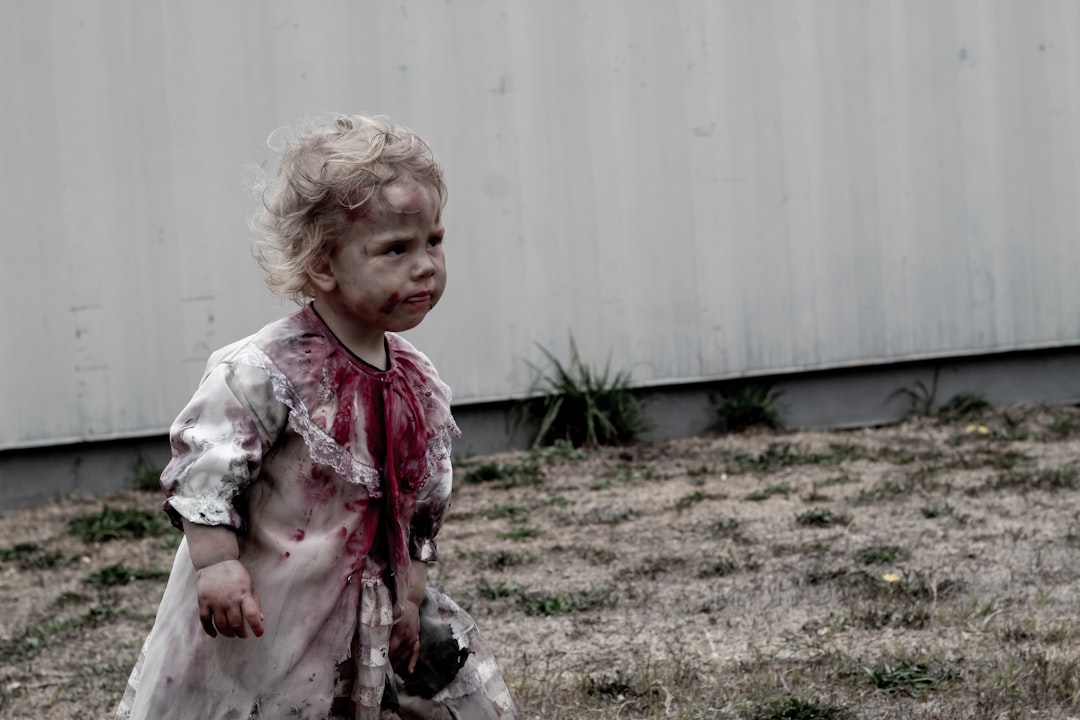
The Zombie Apocalypse Retrospective!
The Zombie Apocalypse Retrospective! - 357 uses
Quintuple As Retrospective
Awesome - What were the things you liked or thought went well during the sprint? Aggravation - What were the things you did not like or were a source of aggravation during the sprint? Adjust - What ... - 322 uses
We did, We can, We will
Simple retrospective to enable teams to recognise good work and identify and take action where improvement is needed - 309 uses
Appreciation Retro
The purpose of retrospectives * Continuous improvement of the team and its processes * Foster an empathetic team culture where members are unafraid to ask hard questions and have courageous conversa... - 301 uses
Sharks and Chimps
This is based on a technique described in Radical Candor, and is designed to facilitate communication and openness about risk-taking. (In Radical Candor it's described as Tigers and Monkeys I believe... - 294 uses
Christmas Retro
The Christmas Retrospective has three components, based on Christmas Past, Christmas Present, and Christmas Future. - 270 uses
Good, Bad, Learned, and Learning
4 columns for what went well, what didn't go well, what was or was expected to be learned, and I plan to learn next sprint. - 246 uses
Release Retrospective
A Release Retrospective is a critical event because it captures all the lessons learned and improvements made during the project. The retrospective begins with a team meeting to discuss what worked we... - 221 uses
Energy Levels
The energy levels retrospective asks team members to reflect on which parts of their work they feel excited about (high energy), which they feel good about (medium energy) and which parts they find di... - 209 uses
Thanksgiving
Thanksgiving Food Theme Theme Theme - 208 uses
Avengers-themed retrospective
Each team member bring their own perspectives and “super powers” for collaboration and teamwork. - 205 uses
Among Us
Based on the popular game currently (in 2020) Among Us. The team would all jump in a round of Among Us to lift the mood. And then we start the Retro. - 202 uses
Halloween Retrospective Template - Spooky Sprint!
Happy Halloween! The spookiest day of the year is here, so why not try this Halloween Retrospective Idea (we are never too old, right?)? The Halloween Retrospective Template - Spooky Sprint can be u... - 197 uses
First retro of the year
Share your wishes to the Team, plan the year with your team and start it in a good mode. It's similar to "Happy-Sad" retro - 194 uses
Wow Wonder Worried
Wow- what went well? Wonder- what needs improvement or any new learning? Worried- what did not go well? - 171 uses
Olympic Results
This is somewhat akin to the 'three little pigs' retro, but with olympic medals to represent how well we are doing something, plus a 'personal best' column to allow everyone to share a specific succes... - 167 uses
Hear the Music
This retrospective template is based on "Working Well", "Needs improvement" and Action Items". Would be good to use for Sprint 33, 45 or 78 as it is based on old school records. - 166 uses
Project Retrospective Template
A Project Retrospective meeting serves the purpose of reviewing a completed project and learning from both successes and shortcomings to improve future projects. By dedicating time to this process, yo... - 165 uses
Snow White
Based on Snow white fairytale and the most known retrospective technique - what went well / what to improve? - Seven dwarfs - a column to write positive actions and things during previous sprint - P... - 163 uses
Halloween Retrospective Template - The Halloweenspective!
It's Halloween week, so why not do a different Retrospective? Here are a couple of ideas that you can implement during this Halloweenspective: 1. Ask people to wear some costume item, something easy... - 163 uses
Relentless Improvement
After doing the Quantitative review, we move towards Qualitative review for which we will use this template, Please group together to identify what is their biggest pain. After that they will try to ... - 160 uses
Glad / Sad / How Might We / We Will
1) The team lists things that happened during the sprint that made them Glad / Sad (first 2 columns). 2) Come up with challenges to the current operation in the "How might we ... ?"* format (3rd colum... - 157 uses
Mood - Previous - Well - Improve - Action - Points
This technique enables us to be sharp with previous action points. We have the mood of the team in check, to get a general sense in the beginning as well. - 153 uses
Something Positive
Take a positive look back at the previous sprint, while still giving space to share learnings and to vent. - 150 uses
Winter Retrospective
When running a scrum retrospective, it can be helpful to give the team an additional focus. This template is based on winter, and can be used to help guide a discussion and brainstorming session. - 146 uses
Weather Forecast Retrospective
We’ve all experienced feelings of malaise with dreary, rainy, cold weather. Some call it the wintertime blues. Most research on the relationship between mood and weather demonstrates that weather can ... - 145 uses
A Night at the Oscars
Think of this Retrospective as a "Night at the Oscars". - 139 uses

The Mountain Climber Retro
Create the right setting for a new year retrospective with The Mountain Climber Retro. In every retrospective, it's important to set the right framework. Usually, retrospectives focus on the “sprint”... - 133 uses
The 4Ls - QA Focused
Is quality assurance important to your product? How about to your brand? If the answer is yes then perhaps it’s time to think about offering your QAs the spotlight at the retrospective table. Hold a ... - 131 uses
What a Good / What a Pity / What if
First column you present good things that happened in the last sprint and you want to keep it Second column you say things you think were not good Third you suggest ways to solve what you think was ... - 128 uses
Baseball Retrospective
Start off with gauging initial reaction to the sprint with a press conference. Then go into the retro. Picked off - Did anything catch us off guard? Outs - What was not good. Foul Balls - What can w... - 127 uses
Football Retro
The template consists of the following metrics, which are also used in a football statistic Shoot: What have I achieved? Assist: How could I help my team members? Pass: How get I help from my team mem... - 123 uses
Release Retro Template
This is a post-mortem after the release to capture not only the good, bad, ugly but also what and how to improve before the next release - 122 uses
Who Moved My Cheese?
Retrospective template based on the quotes from the book "Who Moved My Cheese?". With this retrospective you and your team are going to reflect on: - What worked well this sprint? - What status quo c... - 116 uses
ROBIN Retrospective
We developed Robin as an update to the traditional what went well, what should we improve type of questions. We noticed that a retrospective is the moment to address emotions in a safe space. We still... - 113 uses
Triumphs, Challenges, Opportunities, and Recognition
Three main categories describing success, challenge, future opportunity, and callouts of those who stood out. - 112 uses

Ghosts of Christmas
This template is perfect for a sprint or end of year retro. It also works well as a end or project post mortem tool - 105 uses
An End of Year Retrospective Template
This year maybe has been difficult for many, so celebrate you made it to the end of the year! Use this time to reflect on the year that passed, and consider the possibilities of the year ahead of you... - 102 uses
The Fireworks Retrospective
Create the right setting for a new year retrospective with The Fireworks Retro. In every retrospective, it's important to set the right framework. Usually, retrospectives focus on the “sprint” as a r... - 101 uses
5 Finger Feedback
Five Categories one for each hand: Thumb: Thumbs up - what was good Index: Point out - important things to point out Middle: Stinks - to what I want to show the middle finger Ring: Keeper - What do I ... - 100 uses
ALC Retrospective
A 4 pronged approach where you can acknowledge the contributions of your team members, call out items that went well, identify areas for improvements and follow up on actions items. - 96 uses
Easy as a Pie we love
The Easy as a Pie we love Retrospective Game can be used on the Review stage or as a Brainstorming activity. There's no limit on the size of the group that can participate in this exercise. We consid... - 91 uses
Plus Delta Template
A plus delta template is a simple way to objectively evaluate your team or project's status. Here’s what it looks like, how to use it and why you should. What is the plus? + The plus is an operator ... - 91 uses
Guardians of the Galaxy Retrospective (Groot Edition)
Groot is the MCU's (Marvel Cinematic Universe) most heroic tree. He's held his own as a hero, alongside the Guardians of the Galaxy and the Avengers. Groot made his debut in Guardians of the Galaxy i... - 91 uses
Barbie's Dream Team Retrospective
The "Barbie's Dream Team Retrospective" is a fun and creative Agile retrospective template inspired by "Barbie." This technique encourages team members to reflect on their recent projects or sprint w... - 91 uses
Inside Out Retrospective
This retrospective template was inspired by the movie "Inside Out" and is designed to explore the emotions that influence team performance. By using the main emotions from the film – Joy, Sadness, An... - 91 uses
Thanks-Good-Bad-Ideas-Action
Thanks-Good-Bad-Ideas-Action retro technique: "Reflect on our work: express gratitude, highlight positives, address negatives, share ideas, and define actions. - 90 uses
Friends (TV Show) Retrospective
Friends is known as one of the best television shows ever made simply because it is hilarious, heartwarming, and relatable. Friends follow the lives of six complex main characters and their genuine re... - 83 uses
Hiking Retro
Imagine your past sprint as a hike, including: - Snacks: positive things -- what helped move us along? - Switchbacks: challenges? - Weather: mood/feelings about the sprint? - Hiking buddies: teammate... - 81 uses
Celebrating success and failure
Celebration Grid: Celebrate both success and failure. We are learning equally from the both. This helps to stop, think and analyse. - 79 uses
The Beatles Retrospective
Do you like to listen to music? Are you a music lover? Have you ever heard of the band Beatles? The Beatles Retrospective Template is going to help you to diversify the way you run your retrospective... - 78 uses
Well Learnt Better
What went well What I learnt What could have gone better. This technique works well as it allows the team to openly discuss areas of improvements as well as things they enjoyed about the project. Wit... - 76 uses
Realms of Norse
The retrospective is divided into 3 columns, 1. what went well 2. What didn't go so well 3. What needs improvement - 73 uses
Easy As Pie
Easy As Pie is a good retrospective activity to look for improvements, apologize for personal mistakes, present new ideas, and to recognize the good things. Humble Pie - Admit a wrong that occurred a... - 73 uses
The Easter Egg Retrospective
Easter time is here, so why not skip the standard retro formats a little? The Easter Egg Retrospective can be used in the Review stage or as a Brainstorming activity. There's no limit on the size of... - 71 uses
A Thanksgiving Retro
Where does the Thanksgiving Retrospective come into play? In America, as children, we would do a project in school where we would assemble a paper cartoon turkey. We would color it, decorate it, then... - 67 uses
The Basketball Team
The Retrospective Game (The Basketball Team) can be used on the Review stage or as a Brainstorming activity. There's no limit on the size of the group that can participate in this exercise. We consi... - 58 uses
Quarantine Retro
To start the retrospective, the facilitator will share the team’s key data points to provide insight on the team's progress throughout the sprint and current PI. The team will then discuss the data p... - 56 uses
World Cup Retrospective
The World Cup is a quadrennial tournament pitting the best national soccer teams against each other for the title of world champion, this is the most important sports event in the world. Are you a Wo... - 56 uses
Keep, Problem, Try (KPT)
Keep, Problem, Try (KPT) is a simple and powerful retrospective format. It helps teams reflect on their past work and plan for small improvements. The idea is to look at what’s working well, what isn’... - 51 uses
The Grinch
This is a great retro for anyone familiar with the Grinch (book, movie or cartoon) and perfect around the holidays. The columns are fairly self explanatory. - 50 uses
Highlights, Lowlights & Kudos
This template helps teams reflect on the past sprint or project by looking at both the good and the bad, while also making space to appreciate each other. Instead of focusing only on problems, it enco... - 47 uses
Three Circles of Concern Retrospective
This technique is based on the Circle of Control, Circle of Influence, and Circle of Concern approach to analyzing challenges one is facing (the idea first appeared in The 7 Habits of Highly Effective... - 45 uses
Happy/Puzzled/Sad - QA Focused
Is quality assurance important to your product? How about to your brand? If the answer is yes then perhaps it’s time to think about offering your QAs the spotlight at the retrospective table. Hold a ... - 45 uses
ESVP (Explorers, Shoppers, Vacationers, Prisoners)
The Retrospective Game ESVP is a popular retrospective game that was featured in a widely popular book “Agile Retrospectives: Making Good Teams Great” written by Esther Derby and Diana Larsen. Durin... - 44 uses
Cupid's Retrospective Template
This activity was conceived to generate positive discussions and warm the heart of your team members. Cupid retrospective helps you reflect on your last work cycle by emphasizing the positive elements... - 43 uses
Saint Patrick's Day Retrospective
Saint Patrick's Day is a cultural and religious celebration held on 17 March, the traditional death date of Saint Patrick, the foremost patron saint of Ireland. The story of St. Patrick's Day begins ... - 39 uses
My favorite Easter Egg Retrospective
Easter season is here, so why not change the format a little bit and start using some Easter retros? My favorite Easter Egg Retrospective can be used in the Review stage or as a Brainstorming activit... - 38 uses
Diwali Retrospective
This based on the Hindu festival named as Diwali celebrated every year . It includes both positive and negative points. - 31 uses
Superhero Retrospective
Superhero retrospective can be a fun and engaging way to reflect on your team's strengths and areas for improvement. A theme inspired by screen writing and story development approach. - 31 uses
What's Working - What's Not Working
The “What’s Working / What’s Not Working” retrospective is a simple template to help teams reflect on their recent sprint. By dividing feedback into two clear categories — what is working well and wha... - 29 uses
The V For Vendetta (Movie) Retrospective Template
V for Vendetta is a 2005 dystopian political action film directed by James McTeigue. It is based on the 1988 DC Vertigo Comics limited series of the same title by Alan Moore and David Lloyd. V for Ve... - 27 uses
Holistic Advantages and Impediments Team Review
Single or multi-team initiative has completed and it's time to have everyone review the structure of the teams and processes for improvement. This is a relatively longer session because it's meant to ... - 27 uses
Questions Comments Concerns Retrospective
The Questions / Comments / Concerns retrospective is a reflective format that creates space for curiosity, feedback, and emotional check-ins. It encourages team members to express doubts, share genera... - 25 uses
Happy Diwali Retro
Regardless of what we discover, we understand and truly believe that everyone did the best job they could, given what they knew at the time, their skills and abilities, the resources available and the... - 23 uses
Olympic Retro
Welcome to the "Olympic Retro"! In this retrospective, we'll use the exciting theme of the Olympics to review our recent workstream phase. Just like athletes, we’ll look at our "training", "competitio... - 22 uses
The Matrix Retrospective
This technique uses a futuristic, cyberpunk-inspired board modeled after the Matrix aesthetic to bring a fresh, engaging twist to standard retrospectives. It breaks down the review into four tech-them... - 20 uses
Hollywood Highlight Reel
This technique is similar to rose/bud/thorns, but focuses on learnings from the project. Aimed at new team members who would have big learnings from year 1. - 19 uses
Pizza Retro
This fun retrospective format is all about pizza! It helps your team reflect on the last sprint in a light and engaging way. Each column represents a different “pizza topping” choice, like what to ke... - 19 uses
Dare, Care & Share
This template is a fun and easy way for teams to talk about their ideas, worries, and thoughts. It gives everyone a safe space to be open and honest. By splitting topics into three categories, the te... - 18 uses
Hypothesis Retrospective - QA Focused
Is quality assurance important to your product? How about to your brand? If the answer is yes then perhaps it’s time to think about offering your QAs the spotlight at the retrospective table. Hold a ... - 18 uses
Check-In Retrospective
The Check-In Retrospective is a simple way to start your meeting by giving every team member a chance to share their thoughts or feelings in a safe and equal way. Each person answers the same short q... - 18 uses
PI Planning Retrospective
The PI Planning Retrospective is a short but very important activity done at the end of PI Planning. Instead of focusing on team tasks or program increments, this session is only about the planning ev... - 17 uses
New Hire Connections
Retro on employees new hire experience when creating connections at work - 16 uses
The Meaning of Easter Retrospective
Easter is one of the most widely celebrated holiday seasons across the world. So why not take this season as an opportunity to change your Retro format and try something new? The Meaning of Easter Re... - 16 uses
Plus, Minus, Interesting (PMI) Futurespective
The PMI Futurespective is a simple tool that helps teams look at a project, idea, or upcoming change from three angles: positive, negative, and curious. Instead of jumping to quick opinions, it encou... - 10 uses
Lullaby Retro
Using lullaby songs as examples of what went well (You are my sunshine), did not go well (London Bridge is falling down) and who supported us (You've got a friend in me). - 10 uses
Plus, Minus, Equals
Plus - What could be added that would help you to be more productive? Minus - What could be eliminated or changed that slows you down or creates roadblocks? Equals - If you were granted one wish in re... - 6 uses
End of Year Retro
This template is deigned to allow the team and individuals on the team to reflect on the past year. What were the wins? Where were the struggles? Set a goal for the individual and the team. - 5 uses
Scrum Values Retrospective
The Scrum Values Retrospective helps the team reflect on how well they lived up to the five Scrum values: Commitment, Courage, Focus, Openness, and Respect. It’s a simple way to connect team behaviors... - 5 uses
Scrum Master Retrospective
A focused retrospective that helps the team share expectations and feedback about the Scrum Master’s role—what they need from the SM and from themselves in key Scrum events. Example questions: “In S... - 4 uses
Yam it, Jam it, Damn it
A retro template in the spirit of Thanksgiving. Well, kinda a retro template in the spirit of Thanksgiving. - 3 uses
Build Your Own Scrum Master
Teams collectively define what the perfect Scrum Master looks like by adopting different stakeholder perspectives—focusing on what each expects, values, or needs. - 3 uses
Lord of The Hirings
"We are going to review our processes. Hired: What keeps the job? (Good communication, code reviews, etc.) Fired: What are we letting go? (Long meetings, vague tickets, manual deployments). Promote... - 0 uses
Retro Wedding
This is a fun retrospective format that gets your team thinking of things from a different perspective. Source: https://retromat.org/en/?id=89 - 0 uses
Perfection Game
It is the latest practices exemplified on scrum.org on how to better facilitate the Sprint Retrospective. - 0 uses
Celebration Grid
The Celebration Grid is a visual tool designed to reflect on team efforts, achievements, and learning opportunities during a specific period (e.g., a sprint). It divides experiences into three main ca...

























































What Is a Retrospective Template?
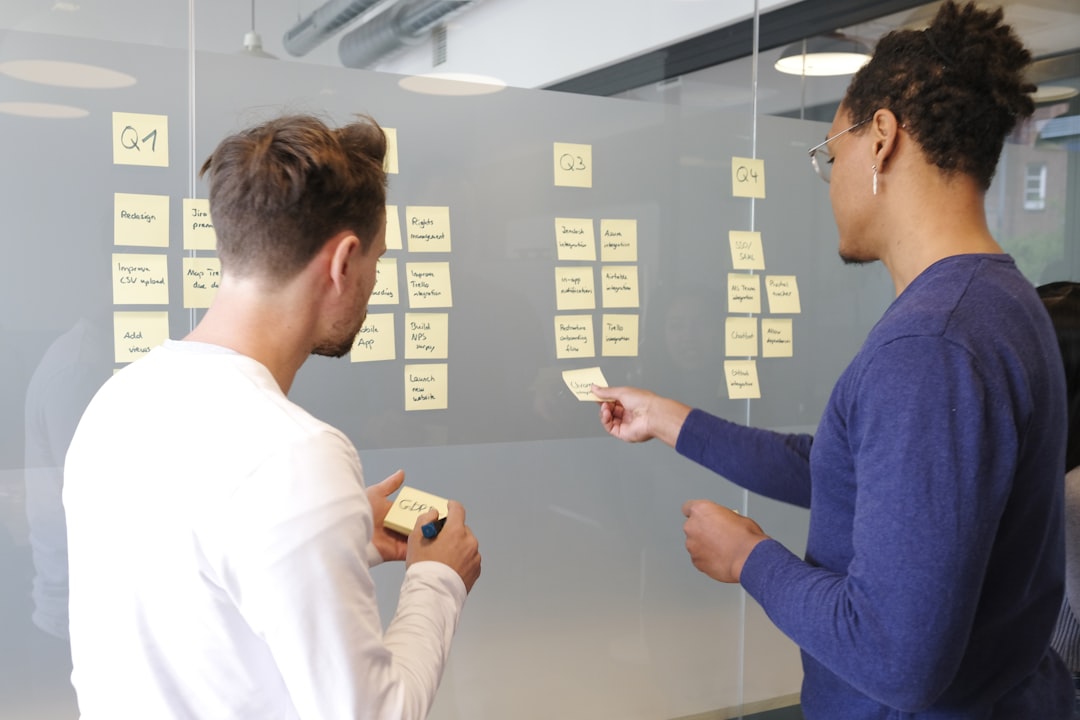
A retrospective template is a structured format that guides your team through a retrospective meeting. Each template provides a unique framework for collecting feedback, spotting patterns, and creating action items. Whether your team follows Scrum, Kanban, or another agile methodology, using a well-designed retro template keeps discussions focused, ensures every voice is heard, and turns reflections into concrete improvements for the next sprint.
Sprint Retrospective Templates for Scrum Teams
A sprint retrospective template is designed specifically for Scrum teams to reflect at the end of each sprint. The Scrum Guide recommends holding a sprint retrospective after every sprint review to inspect how the last sprint went with regard to people, relationships, processes, and tools. Popular sprint retrospective templates include Start Stop Continue, Went Well / To Improve, and the Sailboat Retrospective. Using a dedicated sprint retro template helps your Scrum Master facilitate the meeting efficiently, keeps the discussion timeboxed, and ensures the team walks away with clear, actionable improvements for the next sprint.
Popular Retrospective Template Formats
There are dozens of retrospective formats to choose from, each suited to different team dynamics and goals. Here are some of the most popular ones:
- Start Stop Continue — team members list what to start, stop, and continue doing.
- Mad Sad Glad — focuses on emotions to surface frustrations early.
- Sailboat Retrospective — uses a visual metaphor of wind, anchors, rocks, and an island.
- 4Ls — Liked, Learned, Lacked, and Longed For.
- Rose Bud Thorn — balanced positivity with growth areas.
- Starfish — nuanced action planning across five categories.
- DAKI — Drop, Add, Keep, and Improve framework.
Exploring different formats regularly prevents retrospective fatigue and keeps your team engaged.
How to Choose the Right Retrospective Format
The best retrospective format depends on your team size, meeting cadence, and current goals. For teams new to retrospectives, straightforward templates like Start Stop Continue or Went Well / To Improve work well because they are easy to explain and quick to run. If your team has been doing retros for a while and engagement is dropping, switching to a creative format like the Sailboat Retrospective or Speed Car can re-energize the conversation. For teams dealing with conflict or low morale, emotion-focused templates like Mad Sad Glad or Glad Sad Mad help surface feelings in a safe way. When you need deep analysis of a specific incident, try the Five Whys or Fishbone Diagram to get to root causes.
Benefits of Using Retrospective Templates
Running retrospectives with a template delivers several advantages over unstructured meetings. Templates provide a clear agenda so every team member knows what to expect and can prepare their thoughts in advance. They create psychological safety by giving people a structured way to share criticism and praise equally. Templates also make it easy to track improvements over time — when you use the same format periodically, you can compare outputs sprint over sprint. Finally, digital retrospective templates on tools like EasyRetro allow distributed and remote teams to collaborate asynchronously, making retrospectives inclusive regardless of time zones or work schedules.
Frequently Asked Questions
How often should my team run a retrospective?
Most agile teams run a retrospective at the end of every sprint, typically every one to two weeks. The key is consistency — regular retrospectives build a habit of continuous improvement.
Can I customize these retrospective templates?
Yes. Every template on EasyRetro can be used as-is or customized. You can rename columns, add new ones, adjust voting rules, and set timers. You can also create your own template from scratch.
What is the difference between a retrospective and a post-mortem?
A retrospective is a recurring meeting for continuous improvement after each sprint. A post-mortem is held after a specific incident to find root causes. Retrospectives are lighter and more frequent.
How do I run a retrospective with a remote or hybrid team?
Use an online tool like EasyRetro — share a board link, choose a template, and let everyone add thoughts in real time or asynchronously. Anonymous posting, voting, and timers keep it focused and inclusive.
Ready to run your next retrospective?
Pick a template above and start your free retrospective board in seconds — no sign-up required.